
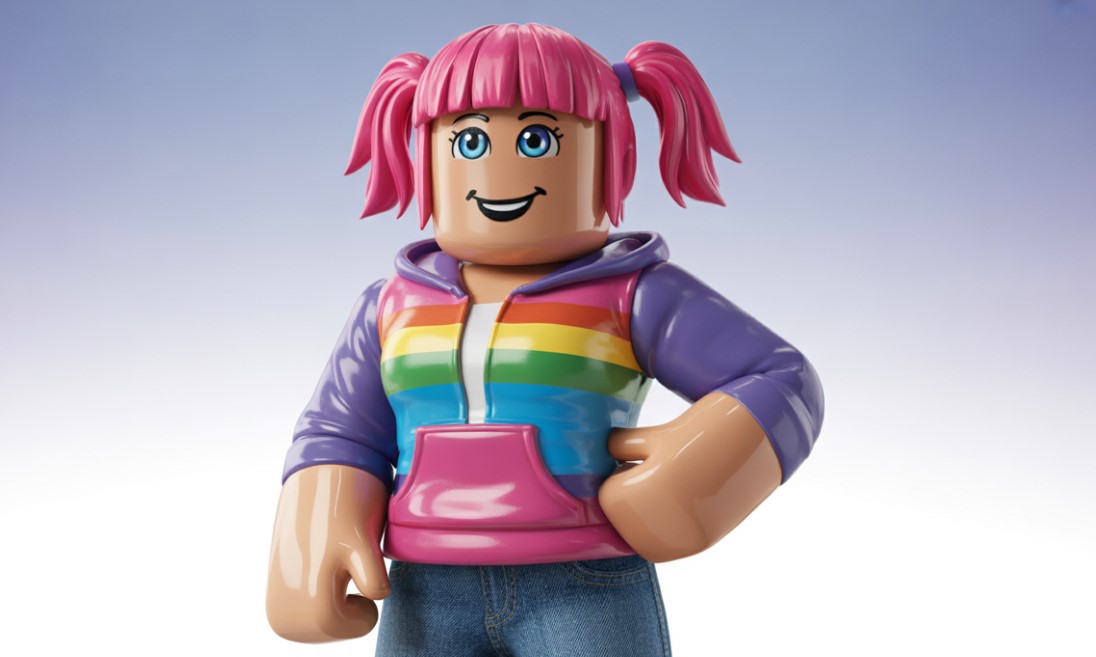
Why the Roblox Girl Avatar isn’t Just a Costume – It’s Your Next Big Project!
Honestly, when you think about Roblox, what’s the first thing that pops into your head? Probably those blocky characters jumping around, right? Classic stuff. But for us, the dev and artist crowd, the avatar is where the real action is, especially the Roblox girl avatar. It’s not just about a cool look; it’s about a player’s digital self – their identity, their vibe, their whole mood in your experience.
Think of it like this: your character is the main character of a movie, and the avatar is the costume design. You wouldn’t put an action hero in a boring, grey t-shirt, would you? Of course not! A stellar avatar makes a player feel seen, you know? It’s emotional, subtle, and frankly, a huge monetization opportunity for those of us smart enough to tap into the User Generated Content (UGC) goldmine. We’re talking about creating things people really want to wear. It’s a rush when your design is everywhere.
The Big Shift: From Blocks to Bodacious (and Beyond)
It wasn’t always this layered, so to speak. Back in the day, the R6 avatar was the standard. Simple, six parts, rigid, and charmingly retro. But then R15 came along, and boom – fifteen body parts, more joints, and the ability to bend, articulate, and generally look much more dynamic.
The move to R15, and now with things like layered clothing and dynamic heads, is a game-changer. It means you can build a Roblox girl avatar that is miles away from the default block person. This is where your skills as an artist or a developer really shine. You’re not making assets; you’re creating expressions.
| Avatar Rig Type | Key Feature | Developer Challenge |
| R6 | 6 body parts, blocky, classic feel. | Very limited pose and animation capabilities. |
| R15 | 15 body parts, jointed, better movement. | Rigging and skinning are more involved; requires careful weight painting. |
| Custom (R1) | Single mesh rigged by bones, non-humanoid. | Requires manual scripting of character behavior and animation handling. |
See? It’s not just a technical upgrade; it’s an aesthetic evolution.
Catching the Wave: What’s Hot in Roblox Avatar Trends Right Now?
You might think that every developer is aiming for the most “realistic” look possible, but that’s a gentle contradiction to the platform’s core identity. The thing is, Roblox thrives on a mix of styles. You’ve got the super-detailed layered clothing alongside the enduring appeal of the “headless” look (via the half heads accessory, mostly). It’s wild, but that’s the culture.
Honestly, one major trend we’ve seen at Mensy.Studio, and one you absolutely shouldn’t overlook, is the shift toward motion and self-expression. It’s less about just the outfit and more about how the character moves:
- Emotes & Animation Packs: These are huge. Think viral dance moves, unique walking styles, or dramatic action poses. People are willing to spend Robux on making their character perform.
- Simple, Subtle Hairstyles: Forget the overly complex, neon-colored hair. The current “cool” is often a simple, slightly messy, and realistic-colored black or brown style. It’s an understated aesthetic, but it speaks volumes.
- Full Avatar Transformations: Things like “Mini Plushie” or “Blush Fashion Doll” avatars are gaining traction. They’re imaginative and playful, moving beyond traditional clothing and accessories into entirely new body shapes. It’s total self-reinvention.
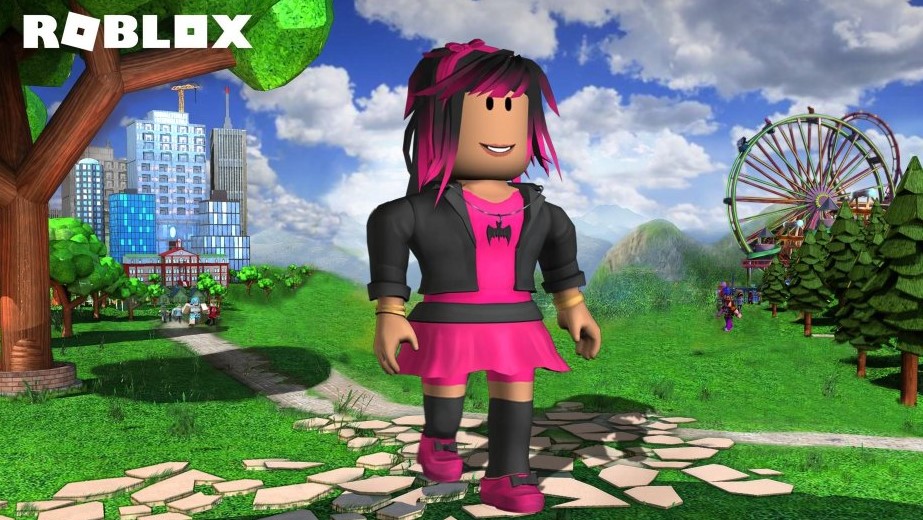
So, when you’re designing assets for the Roblox girl avatar, don’t just focus on the clothes. Think about the whole package: the animations, the posture, the little details that communicate personality instantly.
Making the Magic Happen: A Quick Peek at the Dev Process
Okay, so you’ve got a killer design idea – a fresh take on layered clothing, or maybe a super-nifty new hairstyle. How do you get it into the game?
First off, you need a 3D modeling program like Blender or Maya. We prefer Blender because, well, it’s free and powerful, a great starting point for any aspiring dev. You’ll model your mesh there, paying close attention to things like clean topology.
Then comes the rigging – that’s the process of creating the bone structure so your asset can move with the R15 body. You’ll need to know about the standard Roblox bone hierarchy. The most crucial part? Caging. You know what this is, right? It’s that invisible outer mesh that dictates how layered clothing stretches and fits over different body shapes. Mess this up, and your beautiful jacket will clip horribly on every other avatar. Nobody wants that!
| Tool/Concept | What It Is (Casual) | Why It Matters (Pro) |
| Blender/Maya | Your digital sculpting tool. | The industry-standard 3D modeling and texturing software. |
| Rigging/Skinning | Giving your model a skeleton so it can bend. | Correctly weighting vertices to bones ensures smooth deformation with the R15 armature. |
| Layered Clothing | Clothes that actually wrap around the body, not just painted on. | Requires meticulous cage mesh placement to prevent visual clipping and achieve proper WrapTarget functionality. |
| PBR Textures | Super-realistic shading and material effects (like metallic shine). | Allows for physically accurate rendering of materials, massively boosting accessory quality and visual fidelity. |
It might sound like a technical mouthful, but honestly, Roblox has made the process so much easier lately. Their documentation and template files (especially for things like the body cage) are a huge help. You can even use the Auto-Setup tool to convert a character model into a fully-rigged avatar in minutes. That’s a lifesaver, genuinely.
The Power of UGC: Going from Hobbyist to Roblox Avatar Creator
The UGC program – User Generated Content – is what makes Roblox’s avatar ecosystem so vibrant. It’s essentially the marketplace where you can sell your creations. It’s a serious business, too.
You need to be ID-verified and have a Premium subscription to publish, and yeah, there’s a cost in Robux to upload an item. But the potential payoff? Immense. We’re talking about becoming a source of income just by making cool stuff.
Here’s what you need to remember as a creator in this space:
- Moderation is King: You have to follow the Community Standards. No political, religious, or overly suggestive items. Just keep it fun, expressive, and respectful.
- Originality Pays: Don’t copy other creators. I mean, come on, that’s just bad form anyway. Find a niche, put your own spin on a trend, or create a completely unexpected design. High perplexity in design is just as important as it is in writing!
- Think Cross-Experience: Your assets will be worn in countless games, so make sure they look good everywhere. Test them on different R15 body types. What looks great on a default body might look awful on a very thin or very round one.
The truth is, succeeding in the UGC space isn’t just about technical skill. It’s about being a great trend-spotter and a thoughtful community member. You need to feel the pulse of the platform.
The Emotional Connection: Why a Roblox Girl Avatar Needs Heart
I’m gonna get a little philosophical here for a second, but stay with me. Why do people spend so much time customizing their avatars? Because it’s a way to try on a new personality. It’s escapism, a form of self-actualization.
A well-designed asset – let’s say, a perfectly wind-swept hairstyle or a jacket with just the right amount of dynamic cloth physics – doesn’t just look good. It makes the player feel a certain way. They feel cool, they feel unique, maybe even a little powerful.
As developers, we’re essentially delivering that feeling. It’s not just polygons; it’s confidence, distilled into a digital accessory. You know what? That’s a pretty heavy responsibility, but also incredibly rewarding. So, when you’re modeling, maybe think about what kind of feeling you’re selling. Are they going for a cozy, hygge vibe? Are they channeling their inner meme-lord? Are they a fierce digital warrior? Those subtle emotional hints in the design are what create connection.
The R15 Rig: A Quick-and-Dirty Overview for Artists
For those of you just starting out with custom characters, the R15 rig can be a bit intimidating. It’s got all those parts! But here’s the basic idea – it’s just a standard bipedal human rig with a few Roblox-specific quirks.
You have the main 15 parts, but the bones that control them are what you really care about. Things like the Upper Torso and Lower Torso need to bend smoothly. If you’re building a character from scratch, always, always start with the official Roblox templates. Why reinvent the wheel when you can just re-skin it? It saves you the headache of manually setting up every bone and joint.
It is fine to have a gentle contradiction here: you want to be original, but you absolutely should stick to the technical standards. Be creative in the form, but stick to the function of the R15 rig. Otherwise, your character won’t move right, and that’s just a tragic outcome for a beautiful piece of art.
FAQ:
What’s the deal with the R6 vs. R15 avatar split in games?
R6 is simpler, and some older or nostalgia-focused games still only support it, but R15 is the modern standard for better animation and is required for layered clothing.
Do I need to be a coding wizard to create custom avatars?
Not at all! You need to be a 3D artist first and foremost. Knowing a little Lua scripting helps for custom animations or character controllers, but pure UGC asset creation is mainly art-focused.
What’s the best program for making UGC hair?
Most creators use Blender for the mesh modeling and sculpting, and then a program like Substance Painter or even Photoshop for the textures.
Can I still upload classic (2D) shirts and pants?
Yes, you can, and they’re still widely used and a great entry point, but the future is definitely in Layered Clothing for a better, 3D fit on the Roblox girl avatar.
How much Robux does it cost to upload a UGC item?
The cost to upload an item for the marketplace is 750 Robux per asset, and you also need to be ID-verified and have a Premium subscription to sell it.
Why is my layered clothing item clipping through the avatar’s body?
You’ve likely got a problem with your inner and outer cage meshes. They need to be aligned and properly set up as WrapTargets to tell the engine how to shrink and stretch the clothing.
What does “high perplexity” mean in avatar design?
It means having a varied, unique, and somewhat unpredictable design. It’s about blending different styles or colors in a way that catches the eye and doesn’t look like every other item on the marketplace.
Let’s Wrap This Up, Shall We?
Look, if you’re an aspiring game developer or artist, the Roblox platform offers an absolutely massive canvas for your work. Focusing on the avatar, especially the dynamic and ever-evolving Roblox girl avatar, is a direct path to getting your creations seen by millions. It’s challenging, sure – you’re balancing technical specs with creative vision – but honestly, it’s where the fun is. You’re building digital identity. You’re making something real in a virtual world.
Now, go get that Blender file open, and let’s see what you come up with. We’re eager to see your work on the platform.
Hey, thanks for sticking with us! We at Mensy.Studio are all about helping the next generation of devs and artists make their mark. If this guide helped you out, please consider supporting our team by sharing this post online across social media – you can even add this content to your bookmarks for a quick reference later. You can also write to the Mensy. Studio team directly if you seek creative or commercial collaboration. We’re always ready to chat about making cool games and assets.