
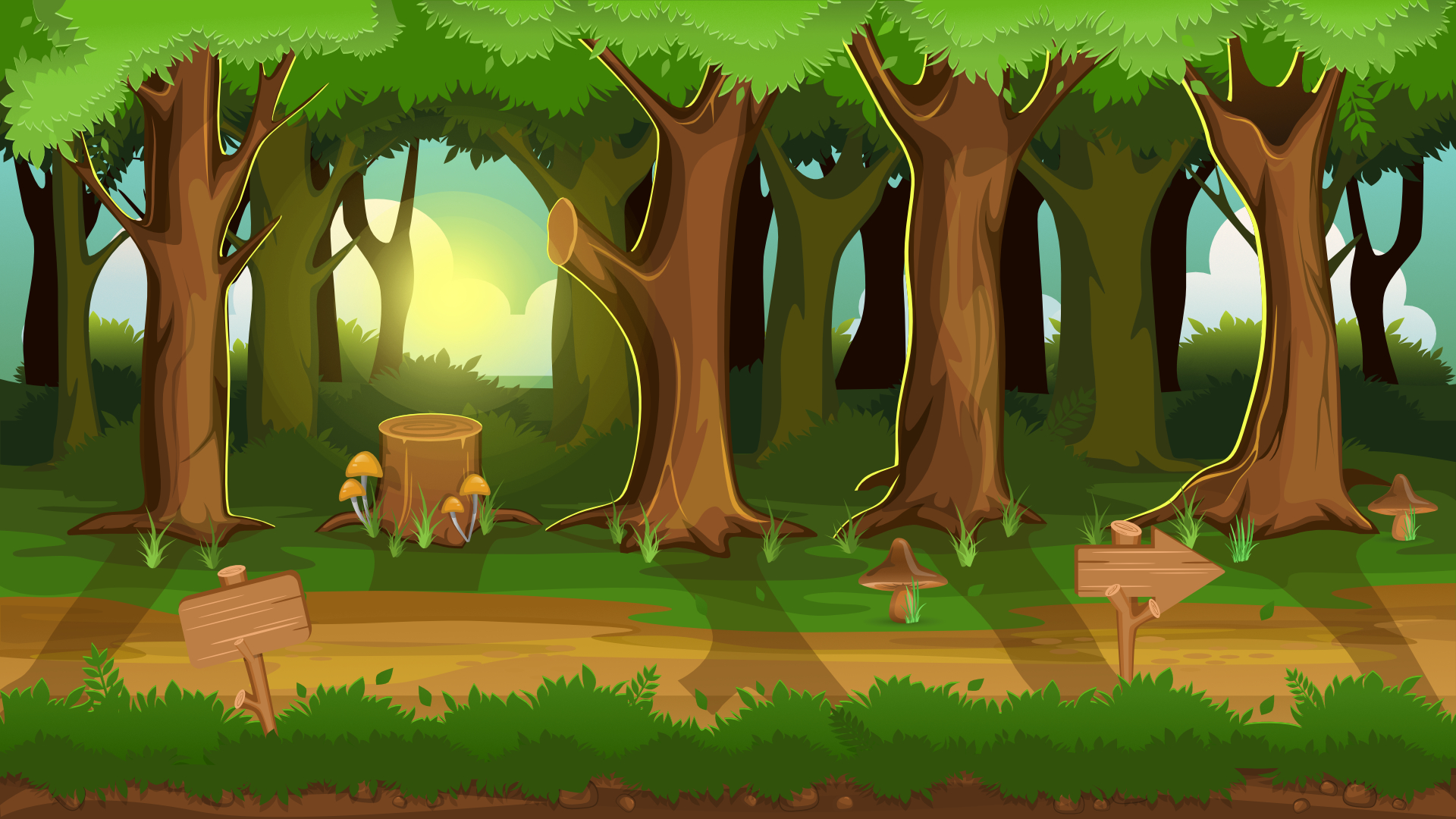
What Is a 2D Game Background, Really?
At its simplest, a 2D game background is the visual environment behind gameplay. It sets the tone, defines depth, and gives your world its emotional temperature. But in truth, it’s more than decoration—it’s storytelling in pixels.
Every tree, every shadow, every bit of fog works together to communicate mood, scale, and purpose. Whether you’re working on a pixel-art platformer or a stylized hand-painted RPG, your background dictates how the player feels as much as what they see.
The Invisible Architecture of Atmosphere
There’s a reason backgrounds in professional games feel so alive—they follow visual hierarchy and atmospheric logic. Artists treat them as architectural compositions built from foreground to horizon.
| Type | Primary Use | Depth Layers | Common Techniques | Example Game |
|---|---|---|---|---|
| Static | Platformers, mobile games | 1–2 | Flat art, tile repetition | Super Mario Bros. |
| Parallax | Side-scrollers, runners | 3–7 | Layer scrolling, dynamic depth | Hollow Knight |
| Dynamic/Reactive | RPGs, action-adventures | Variable | Animated fog, particle FX | Dead Cells |
| Procedural | Roguelikes, endless maps | Infinite | Algorithmic tiles, noise maps | Spelunky 2 |
Each approach changes how players perceive space—and how much work you’ll spend balancing it.
Step 1: Define the World Before the Colors
Before opening Photoshop or Aseprite, pause. What’s your world made of? What’s its gravity—both physical and emotional?
Gather references for lighting, texture palette, and camera perspective. Build a moodboard—a grid of colors, textures, and lighting shots. You’ll be amazed how clear your visual voice becomes before you even start painting.
Step 2: Build in Layers
A 2D background isn’t one picture—it’s usually a collection of stacked planes. The illusion of depth comes from layers moving at different speeds or having different clarity levels.
| Layer | Visual Role | Typical Elements | Tips |
|---|---|---|---|
| Foreground | Closest to player | Trees, rocks, props | High contrast, sharp details |
| Midground | Core gameplay plane | Platforms, terrain, walls | Balance readability and style |
| Background | Atmospheric backdrop | Mountains, cities, skies | Softer edges, lower saturation |
| Far Background | Horizon or sky | Clouds, distant lights | Keep motion subtle or static |
Step 3: Light Is Emotion

Lighting isn’t just functional—it’s emotional coding. A cold blue palette feels lonely. A high-contrast orange one feels heroic. Good lighting guides attention too, naturally directing the player’s focus.
Step 4: Texture and Shape Language
Textures in 2D backgrounds tell stories. Smooth curves feel safe. Jagged cliffs feel dangerous. Rounded stones suggest ancient calm; sharp spikes scream tension. Shape language is your invisible narrative layer.
Step 5: The Art of Parallax
Parallax scrolling gives a 2D world cinematic breath. Layers move at different speeds depending on their distance from the camera. The further away, the slower they scroll. But parallax isn’t just motion—it’s pacing. Use it sparingly for elegance over chaos.
Tools of the Trade
Here are essential tools for 2D background creation:
| Purpose | Recommended Tools | Why They Work |
|---|---|---|
| Painting & Illustration | Photoshop, Krita, Clip Studio Paint | Full brush control and lighting options |
| Pixel Art | Aseprite, Pyxel Edit, Pro Motion NG | Animation-friendly, palette precision |
| Layer Composition | After Effects, Blender (2D camera), Unity | Perfect for parallax and depth simulation |
| Texture Generation | Substance 3D, Filter Forge | Create seamless tileable textures |
| Testing Environments | Godot, Construct 3 | Fast iteration and lighting preview |
Animation and Motion
Adding movement can transform a static backdrop into a living world. Small loops—drifting clouds, flickering lights, or moving fog—make environments feel alive. Motion should feel like heartbeat, not distraction.
Sound and Visual Harmony
Visuals and audio belong together. If your scene shows rain, let thunder roll softly. If wind bends trees, echo it with ambient sound. 2D immersion happens when both senses tell the same story.
Modern Trends in 2D Background Design
- Gradient minimalism: soft transitions, pastel palettes.
- Analog textures: scanned brush strokes or paper grain.
- Dynamic lighting shaders: fake day-night cycles.
- Hybrid 2D/3D: 3D rendered to look hand-painted.
Testing for Performance
- Combine static layers into spritesheets.
- Limit transparency and overlapping alpha.
- Use compressed image formats (.webp, .png-8).
- Optimize parallax motion with fewer draw calls.
Final Thoughts: The World Behind the World
A great 2D game background doesn’t scream for attention—it hums quietly, supporting the melody of gameplay. When art, light, and code align just right, your world feels alive and unforgettable.
Author’s Note (E-E-A-T Transparency): Written by a professional 2D environment artist experienced with Unity and Godot pipelines. The techniques and examples shared here are based on real production workflows and community feedback from active indie projects.